
Secure Your Battle.net Account with Two-Factor Authentication
Overview
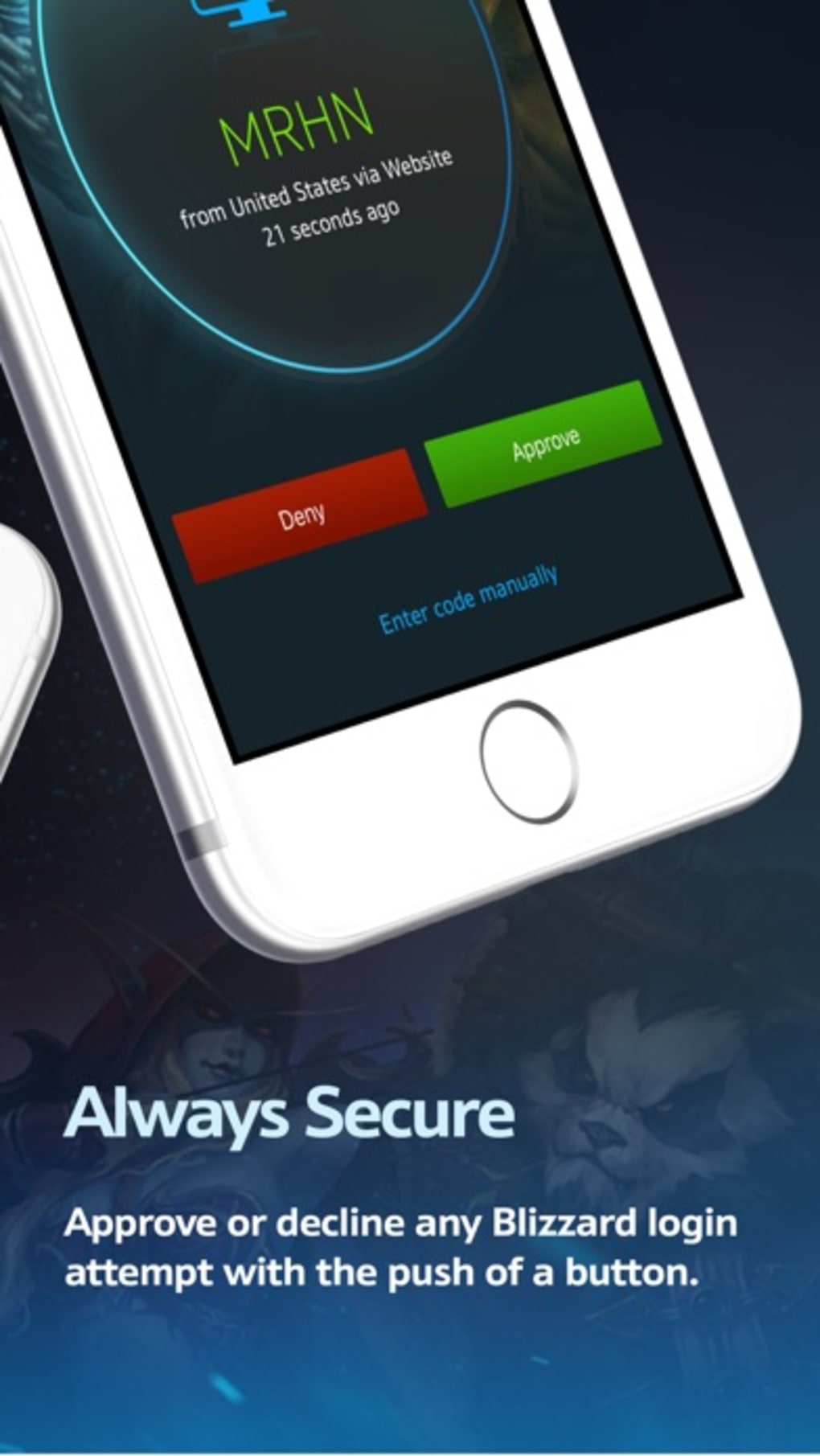
The Blizzard Authenticator is a dedicated security tool developed by Blizzard Entertainment to enhance account protection on the Battle.net platform. Designed as a free application for iPhone, it serves as a two-factor authentication (2FA) solution for users who want to safeguard their gaming accounts from unauthorized access. By generating time-based one-time codes, the app adds a critical layer of defense against hacking, phishing, and credential theft.
Target users include gamers across the globe who maintain active Battle.net accounts, especially those invested in multiplayer titles like World of Warcraft, Overwatch, and Diablo. The app is particularly valuable for players with high-value in-game assets or those who participate in competitive modes where account integrity is essential. While the app is available on iPhone, it is also compatible with Windows and Mac systems, allowing users to manage their 2FA settings across multiple devices.
Real-world usage scenarios involve logging into Battle.net from a new device, verifying a suspicious login attempt, or setting up 2FA for the first time. The app ensures that even if a password is compromised, unauthorized access remains blocked without the unique code generated by the authenticator. This makes it a crucial component of a secure gaming identity.
Key Features & Capabilities
- Time-Based One-Time Password (TOTP) Generation – The app generates a six-digit code every 30 seconds, which must be entered during login to verify identity. This dynamic code ensures that even if intercepted, it cannot be reused.
- Secure Account Linking – Users can link multiple Battle.net accounts to a single authenticator instance, streamlining access management across different games and profiles.
- Offline Functionality – The authenticator operates without an internet connection, making it reliable even in low-connectivity environments.
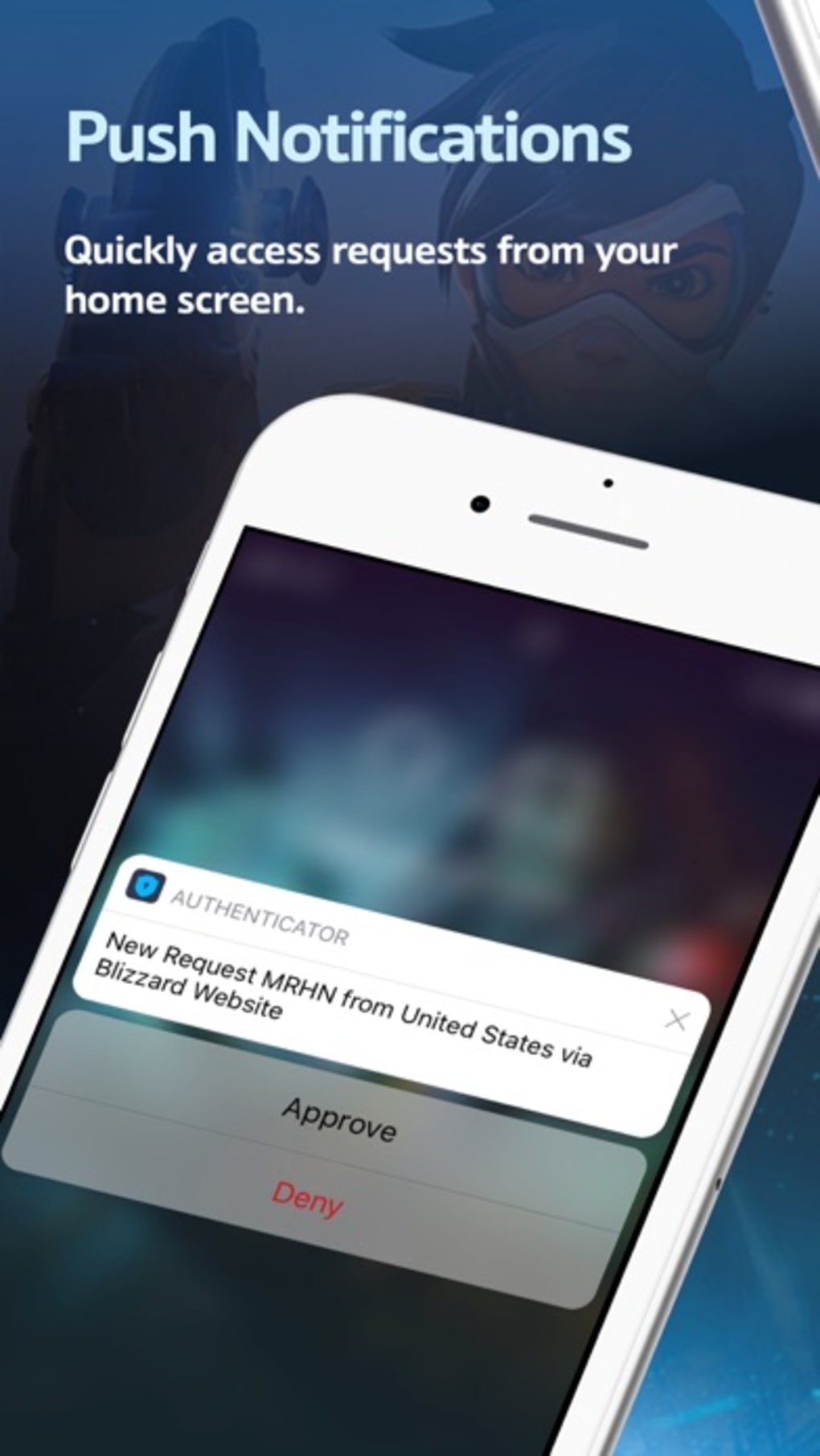
- Quick Access & Integration – The app integrates seamlessly with Battle.net’s account security settings, allowing users to enable 2FA with minimal steps.
- Platform Flexibility – While the mobile version is designed for iPhone, the desktop version supports both Windows and Mac, ensuring consistent security across devices.
These features are ideal for users who frequently switch between devices or travel internationally. For example, a player logging in from a public computer can use the authenticator to confirm their identity without exposing their password. Similarly, gamers managing multiple accounts can maintain centralized control over their 2FA settings.
User Interface, Workflow & Performance
The user interface of the Blizzard Authenticator is minimalistic and functional, focusing on clarity and ease of access. The main screen displays the current authentication code prominently, with a clean layout that prioritizes readability. Navigation is straightforward, relying on a single screen with no complex menus or submenus.
Workflow efficiency is high: users simply open the app, view the code, and enter it during the login process. The app does not require frequent updates or background processes, reducing interruptions. It operates quietly in the background and does not consume noticeable system resources.
The developer did not specify resource usage details. Performance observations are based on general software behavior patterns. Stability appears consistent, as the app is designed for a single, focused task—generating authentication codes. No reported crashes or freezes were mentioned in the release notes.
Compatibility & System Requirements
The Blizzard Authenticator is available for Windows and Mac operating systems, supporting both desktop platforms. The software version is 1.0, with a file size of 5.6 MB, indicating a lightweight installation. This small footprint ensures fast setup and minimal impact on system performance.
Exact system requirements were not listed. Compatibility information was partially provided. The app is designed to run on modern versions of Windows and macOS, though specific OS versions were not disclosed. Users should ensure their system meets the baseline requirements for running standard desktop applications.
Pros and Cons
Pros
- Free to download and use, with no hidden fees
- Official app from Blizzard Entertainment, ensuring trust and authenticity
- Generates secure, time-based codes for two-factor authentication
- Functions offline, making it reliable in any environment
- Supports multiple Battle.net accounts with a single app instance
Cons
- Currently only available for iPhone, limiting access for Android users
- Does not support biometric authentication (Face ID, Touch ID) on desktop version
- Interface is basic and lacks customization options
- Only integrates with Battle.net accounts, not third-party platforms
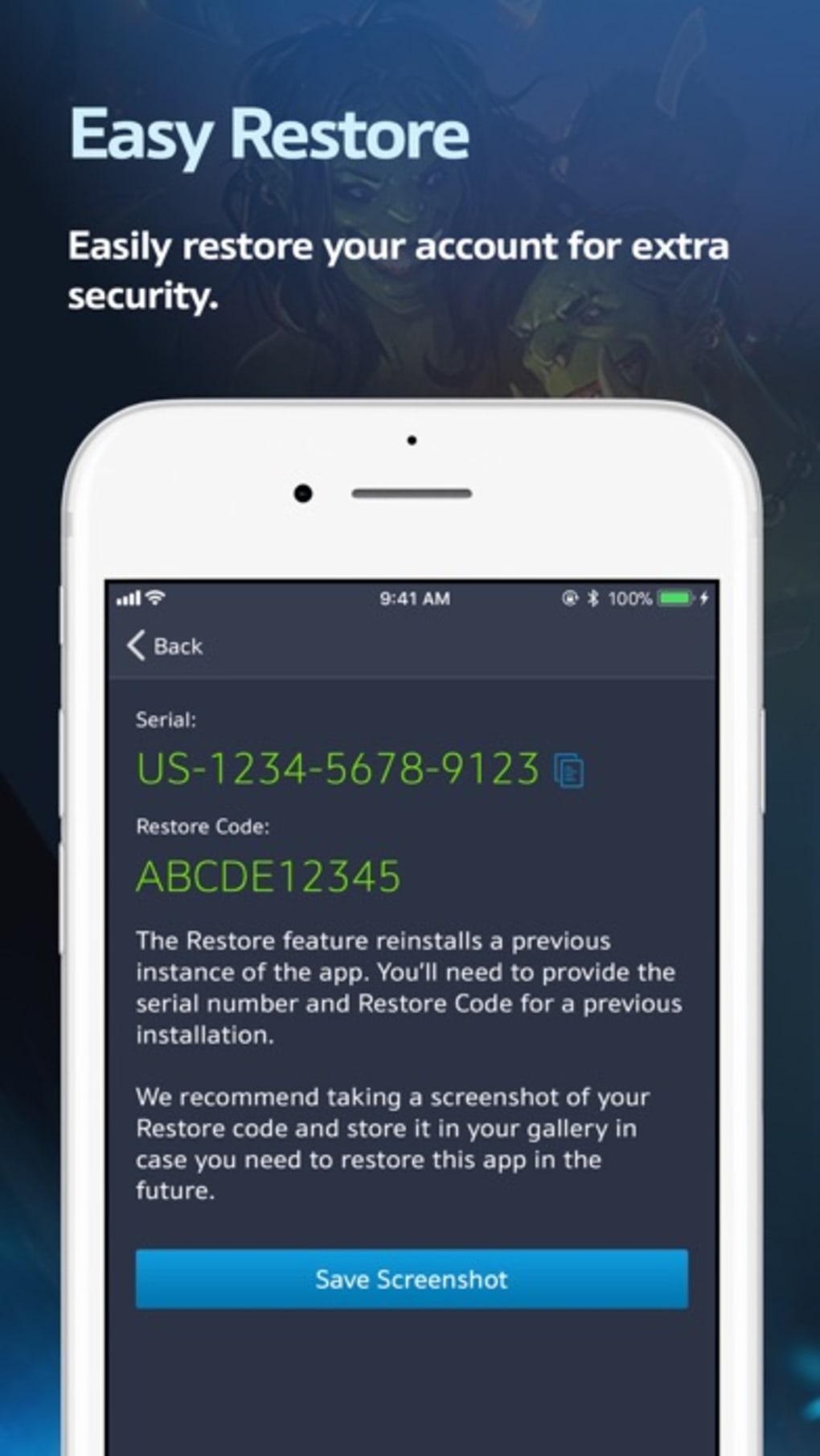
- No backup or recovery mechanism for lost devices
FAQ Section
Is the Blizzard Authenticator free to use?
Yes, the Blizzard Authenticator is completely free to download and use. There are no subscription fees or in-app purchases.
Can I use the authenticator on multiple devices?
Yes, you can link multiple Battle.net accounts to a single authenticator instance. However, the app is only available on iPhone, so desktop usage requires the separate Windows and Mac versions.
Is the app secure?
Yes, the app uses industry-standard TOTP protocols and does not transmit codes over the internet. It is developed by Blizzard Entertainment, ensuring a secure and trusted experience.
What happens if I lose my phone?
If you lose your iPhone, you may lose access to your authenticator. Blizzard recommends setting up backup methods, such as backup codes or alternative authenticators, before removing the device.
Does the authenticator work without internet?
Yes, the Blizzard Authenticator generates codes offline. No internet connection is required to view or use the current authentication code.
Final Thoughts
The Blizzard Authenticator delivers a reliable, no-frills solution for securing Battle.net accounts through two-factor authentication. Its lightweight design, official status, and offline functionality make it a trustworthy choice for gamers concerned about account safety. While it lacks advanced features like biometric support and cross-platform availability beyond iPhone, its core purpose is executed effectively.
For players invested in high-stakes multiplayer games or those managing multiple accounts, the authenticator is an essential tool. It provides peace of mind by preventing unauthorized access, even if passwords are compromised. The lack of customization and limited device support are minor drawbacks compared to the security benefits.
Download Blizzard Authenticator now to protect your gaming identity and ensure uninterrupted access to your favorite Battle.net titles.







